04 · Money
Register and card payments.
Ring up parts and services at the counter, by vehicle. Take the payment and hand over a receipt.
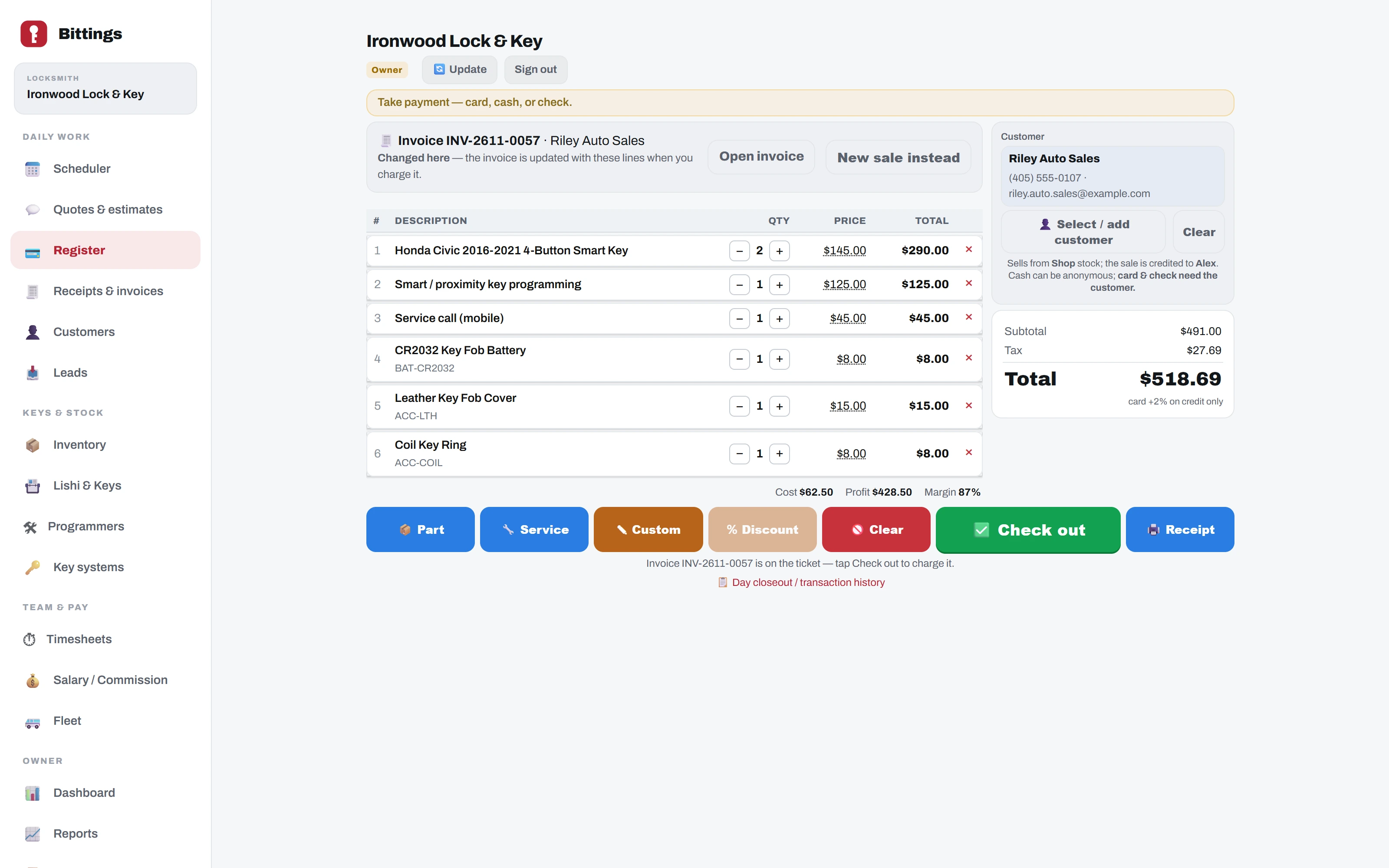
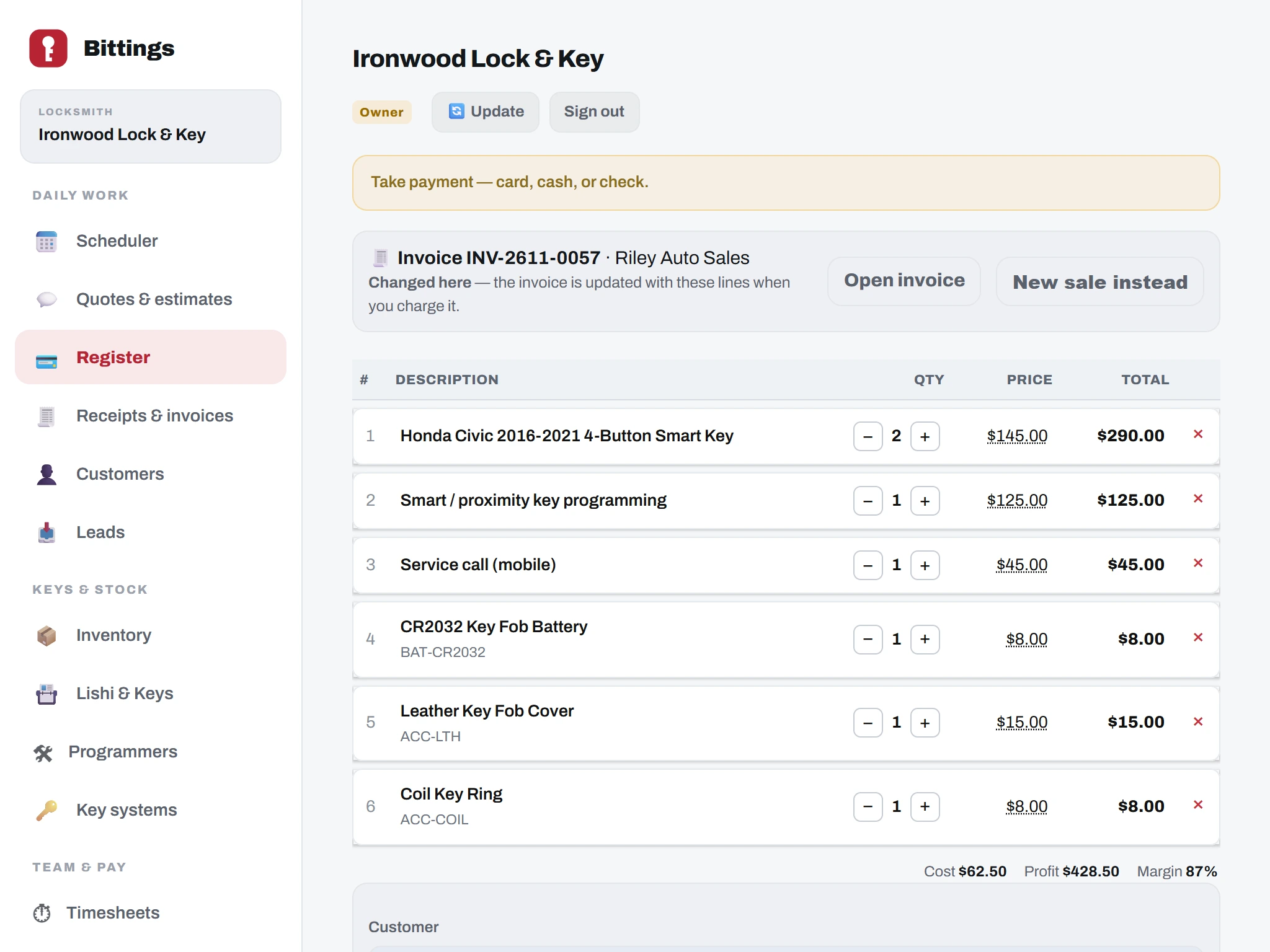
The register is made for the counter PC and a tablet. On a phone you can still text a pay link or send a receipt.
What you can do.
- Ring up by vehicle.Add parts and services by VIN or year, make and model.
- Seven ways to pay.Card on the reader, a typed card, a pay link by text, cash, check, Zelle / Cash App / Venmo, or other. The 2% card surcharge is on credit only, and never on a pay link.
- Charge an invoice at the Register.Open an unpaid invoice, add a second key, a battery or an accessory, and the invoice and receipt update to match. Every line has − / + / ✕.
- Cash and checks.Cash shows the change. Checks are there for business customers.
- Receipts.Print on the receipt printer with your logo, or send by email or text. The cash drawer opens.
- Your own Stripe account.Payments go through your shop’s Stripe account, and the money goes to your bank.
- Day closeout.Close out the day when the counter is done.
Always getting better.
Bittings is built and used every day in a working key shop. Updates arrive on their own, with nothing to install. Every plan gets new features as they are released.