03 · Jobs
Quotes and scheduling.
Quote a caller in about a minute, put the job on the schedule, and bill it when the work is done.
What you can do.
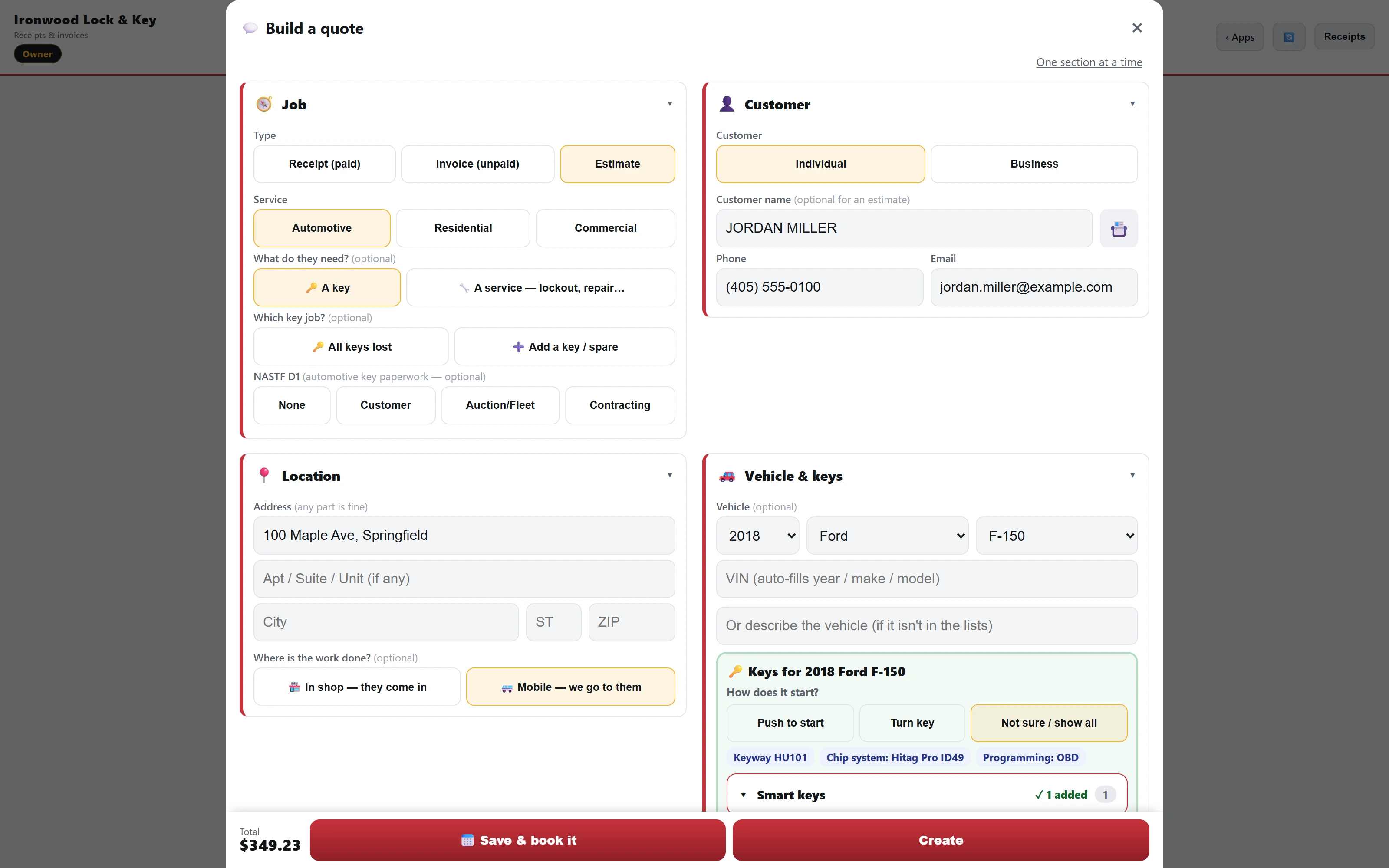
- Quote fast.Your services and saved common jobs fill in the name and price. Receipt, invoice and estimate all come from one builder.
- In shop or mobile.Mark each job as in shop or mobile.
- More than one vehicle.One job can cover several vehicles.
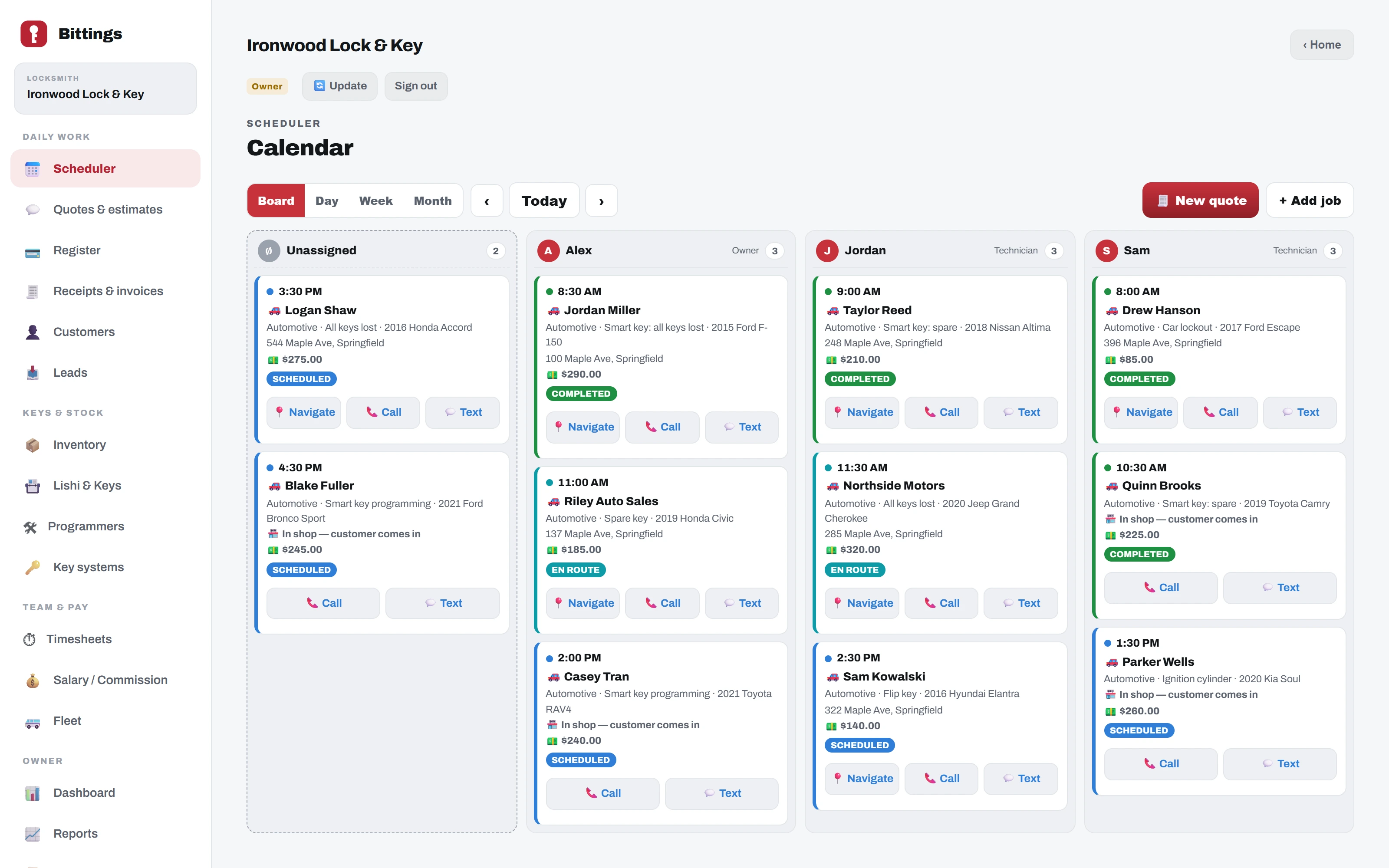
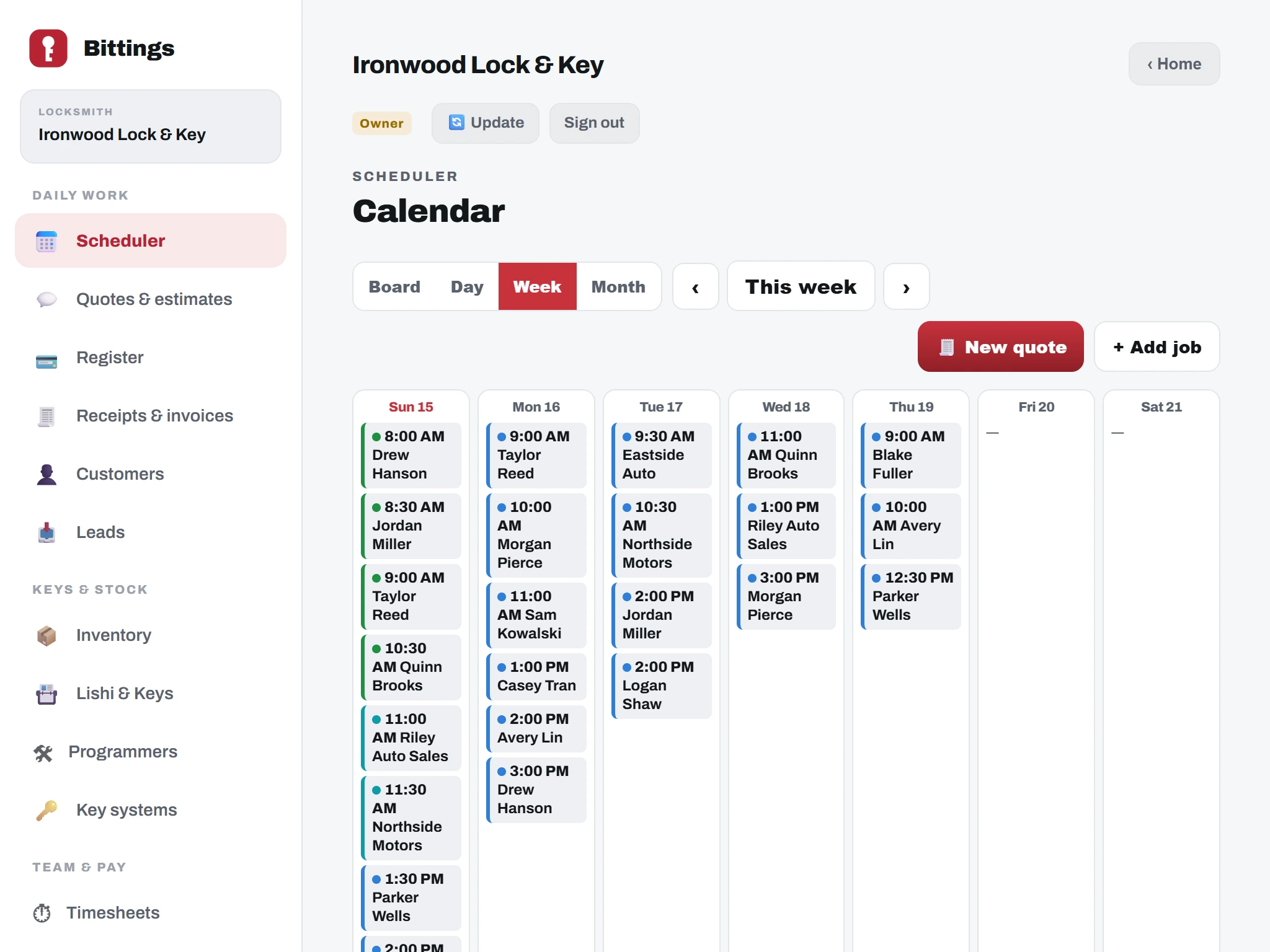
- Two ways to start a job.Build a quote and tap "Book it", or tap "+ Add job". The board shows each technician's day, with day, week and month views too.
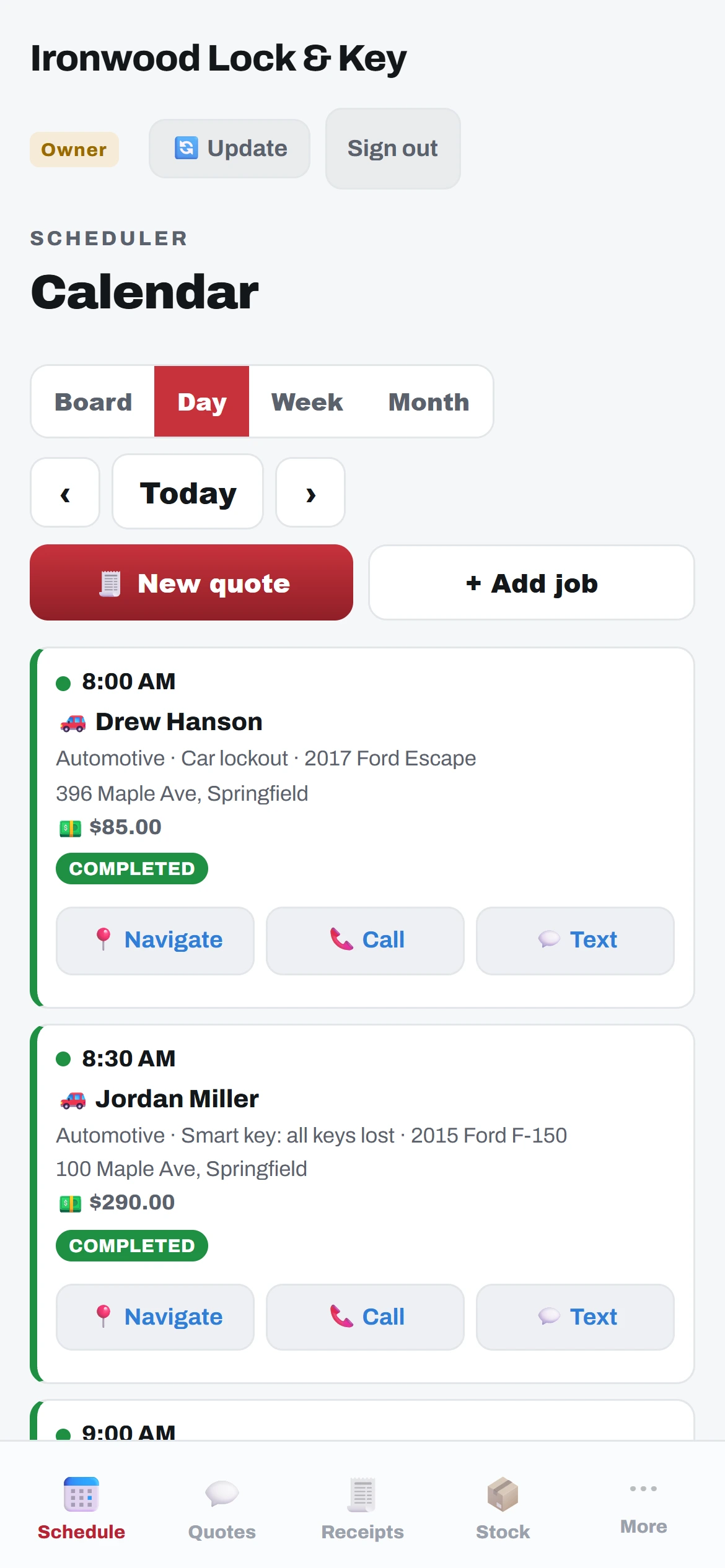
- Job cards in the field.Navigate, Call or Text from the card. The office sets the charges, so technicians cannot change prices, and keys are scanned out to the technician's van for the job.
- Bill from the job.Turn an estimate into an invoice in one tap and take payment. Each document has Take payment, Edit, Print, Send (emailed from the app with the PDF), a Spanish copy, and a customer copy apart from yours.
- Customers.Every customer gets a number. One search box finds them by name, phone, customer #, VIN or a key serial they bought.
Always getting better.
Bittings is built and used every day in a working key shop. Updates arrive on their own, with nothing to install. Every plan gets new features as they are released.